
This information relates to an old version of Learn. See the following link for an updated guide:
Upload your assignment
Click the submission link:

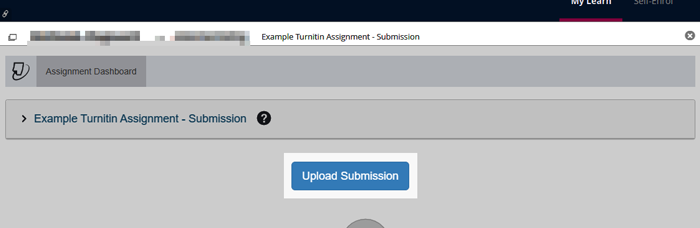
Click Upload Submission:
Include your exam number in the submission title. This is the letter B followed by a six-digit number.
Then click Choose file to find the file that you want to upload.
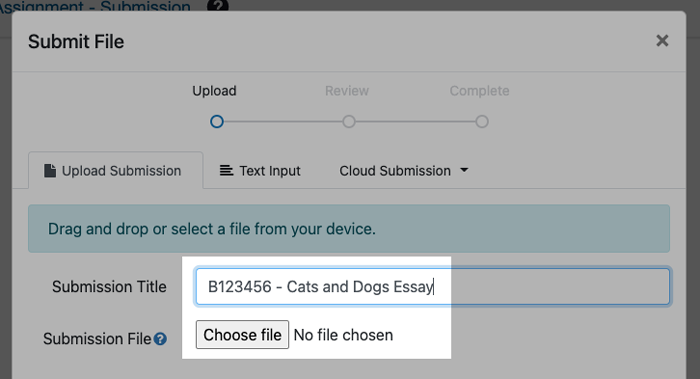
Click Upload and Review:

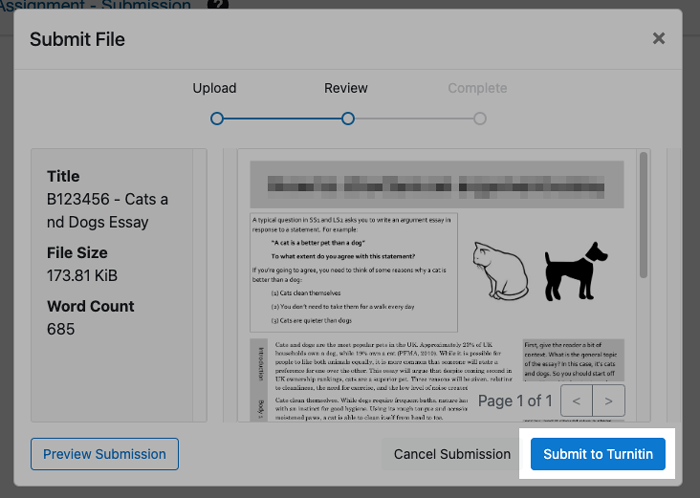
You’ll be shown a preview of the file you have uploaded.
If you’re happy that this is the correct file, click Submit to Turnitin:
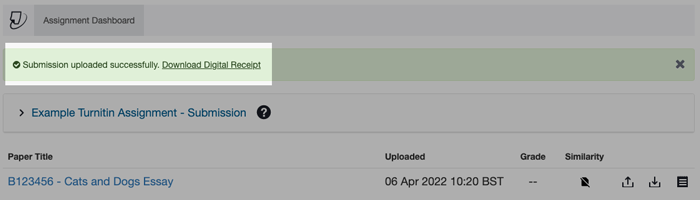
If your upload is successful, you will see the message below.
We recommend you download the Digital Receipt so that you have proof of submission.
If you have a problem
Contact your Course Administrator if you have any problems submitting your assignment.