
This guide is for R(D)SVS staff with Instructor access to a Learn course.
If you’re a member of staff running or helping to run a session, you’ll need to join the session as a Moderator.
Do not use the guest link, as this will typically take you into the session as a Participant.
If your session was set up in Learn
How to join a Collaborate session via Learn (Opens in new tab)
If your session was set up in MyEd
Go to MyEd > Teaching and Research > Collaborate virtual classroom
Click the name of the session you want.
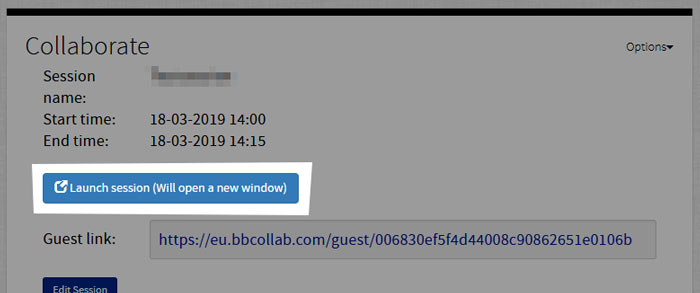
Click the Launch Session button.
Further details on using Collaborate via MyEd: