
This guide is for R(D)SVS staff with Instructor access to a Learn course.
Items are hidden from students by default.
You can make an item visible to students when you create it, keep it hidden.
When you create a new item you can select the visibility options from the drop down menu at the right hand side of the screen.
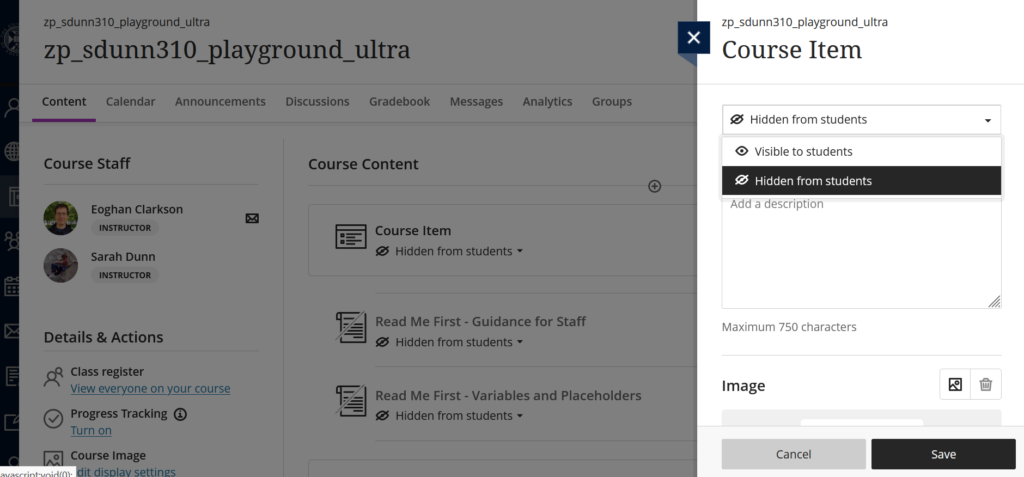
There are two different option to choose from:
- Visible to students
- Hidden from students
You can see the visibility of any item the below it’s name.
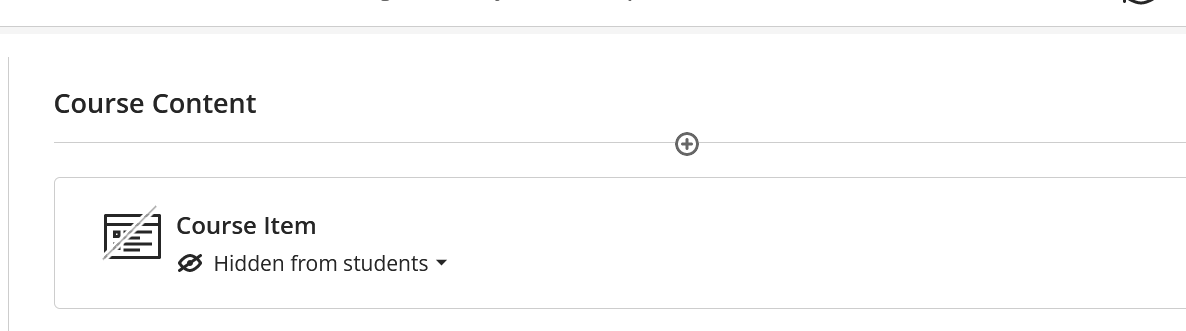
To change the visibility of an item once you have created it, click on the visibility status to open the drop down menu.
This time you will see three different options:
- Visible to Students
- Hidden from Students
- Release conditions
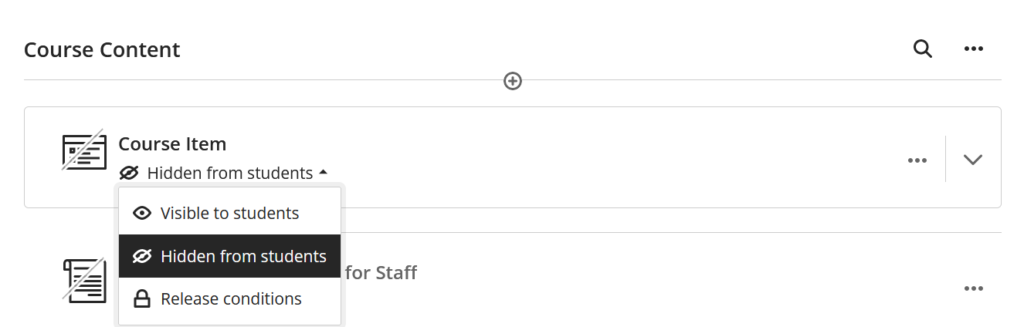
Change the status by selecting your preference from the menu.
For more information on the “Release conditions” follow the link below: