
When uploading a video file to Media Hopper Create, you must make sure you add a description and extra meta data for it.
Log into Media Hopper Create
- Visit the Media Hopper Create homepage (Opens in new tab)
- Click on the user menu icon at the far top-right and select ‘Login’, then log in with EASE.

Upload a video file
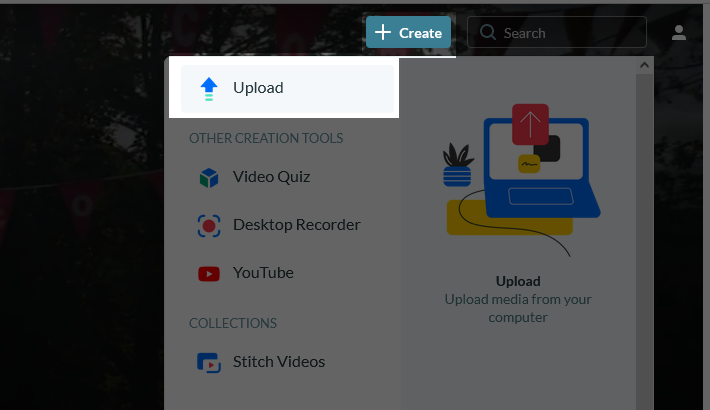
From the + Create menu at the top-right, select ‘Upload’.
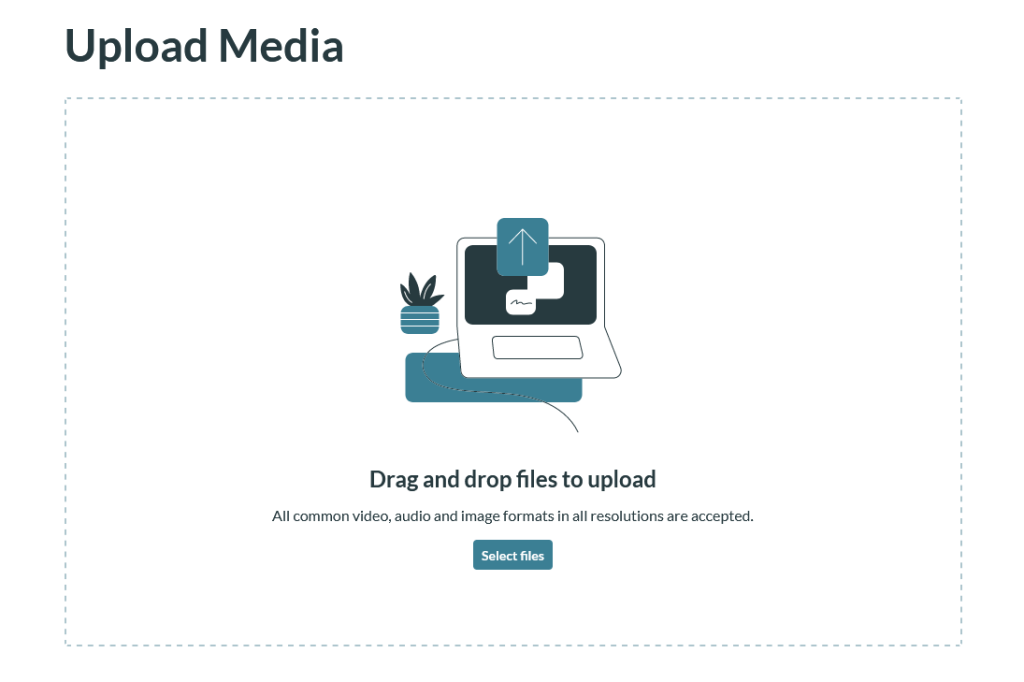
Drag and drop the video file onto the web page where indicated.
- You can also select ‘Select files’ and navigate to the file using your system’s file explorer.
Fill in the form – see our guide: