For instructions on how to set up groups in Learn Ultra, see the link below.
It is NOT possible to create a single group to allow students to Sign Up for an optional activity in Learn Ultra.
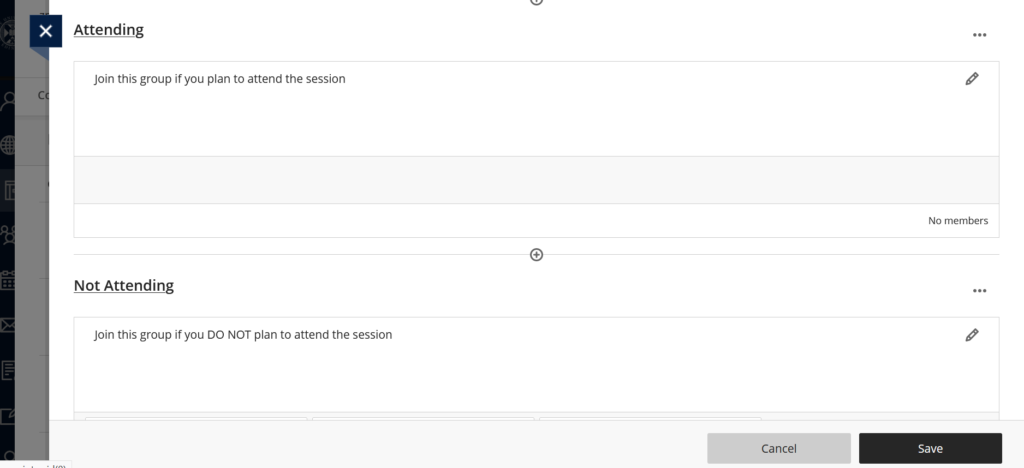
To get around this we advise creating two groups named Attending and Not Attending, and assuming any students who don’t respond are not attending.
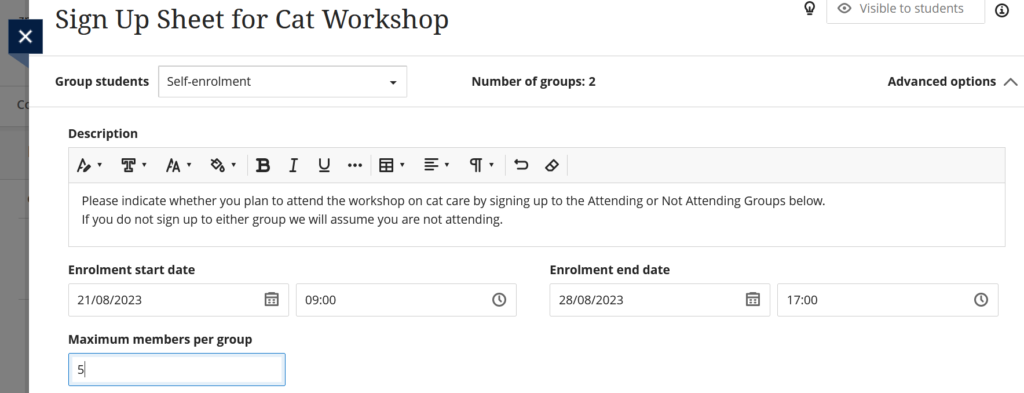
Be sure to set the “maximum members per group” to the number of students enrolled on the course if you wish to allow all students to attend, or leave it blank.
It is VERY IMPORTANT that if you set an Enrolment start and end date you make sure the end date is AFTER the event is due to take place, otherwise Learn Ultra will automatically assign students to random groups, and you will not know who has replied to say they are attending.
Name the two groups you create Atttending and Non-Attending as shown below.