
This guide is for R(D)SVS students.
How to preview files
It is possible to view most file types directly within Learn.
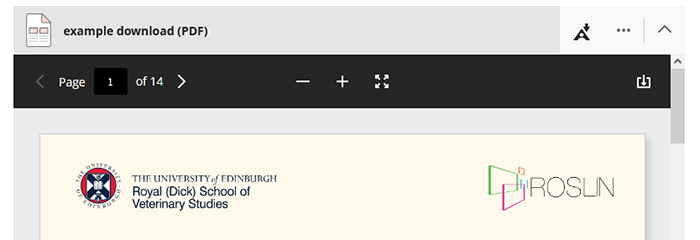
- Click on a file banner to preview files such as PDF or Word documents.
How to download files
You can download any file by clicking the ellipsis menu icon (…) and select Download Original File.

The file will download according to your browser’s default settings.
How to download audio files
You can find audio files attached to Media Hopper Create videos.
We have a guide on how to access and download audio attachments.
Download alternative formats
The Ally tool is integrated into Learn. It allows you to download alternative formats for various file types. Click on the Ally A icon where available to download.