
If you would like to receive an email notification whenever someone posts to a Discussion in Learn, you can ‘Follow’ the Discussion.
To follow a discussion, open the Discussion in Learn and click the Follow button at the top of the page:
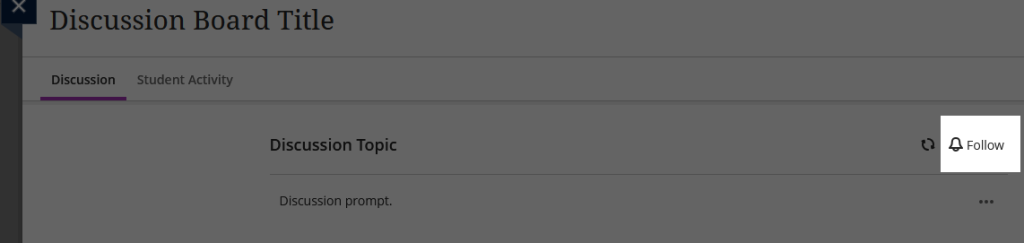
To stop following a discussion, click the Unfollow button in the same position.
You can update your notification settings immediately after following a discussion:

Alternatively, you can access your Notification Settings from your Learn homepage via your profile page, or the cogwheel in the Activity tab (top right).
A sidebar will open. Select the desired settings. For monitoring an ongoing discussion board, we recommend using email notifications with the following settings:
- email straight away (if prompt responses are required)
- responses for followed discussions
- replies for followed discussions

Depending on size, activity and number of courses you may wish to filter your notification emails using rules.